
Connecticut Jail Mugshots Search
Connecticut jail mugshots are best searched through a layered process that combines local arrest information, statewide custody tools, and court case data. This site provides that workflow for every Connecticut county and every city in this project scope. Start with local records pages to identify the arrest event, confirm custody status through the Connecticut Department of Correction portal, and then verify case progress in the Judicial Branch system. Using more than one source helps avoid identity mix-ups and gives a clearer timeline when records are updated over several days.
Connecticut Jail Mugshots Quick Facts
How Connecticut Jail Mugshots Search Works
The first core source is Connecticut Inmate Information Search. Because Connecticut uses a unified correction model, this tool is central for custody status and facility details. The second core source is local police information in each county or city. The third source is Judicial Branch case look-up, which helps tie an arrest event to court records and hearing status.
This three-part method is useful because posting times differ. Local pages can update first, while court updates appear later. In other cases, custody details appear before a docket update. Keeping a simple search note with source URL, date checked, and case number prevents confusion when pages change.
Connecticut record access rules also guide this process. CGS § 1-215 explains key public arrest record principles and limitations. State process resources are also available through DOC, DESPP, the SPBI form, and Clean Slate.
Connecticut Jail Mugshots Image Sources
For Connecticut jail mugshots, this source page is useful: Judicial Case Look-up.
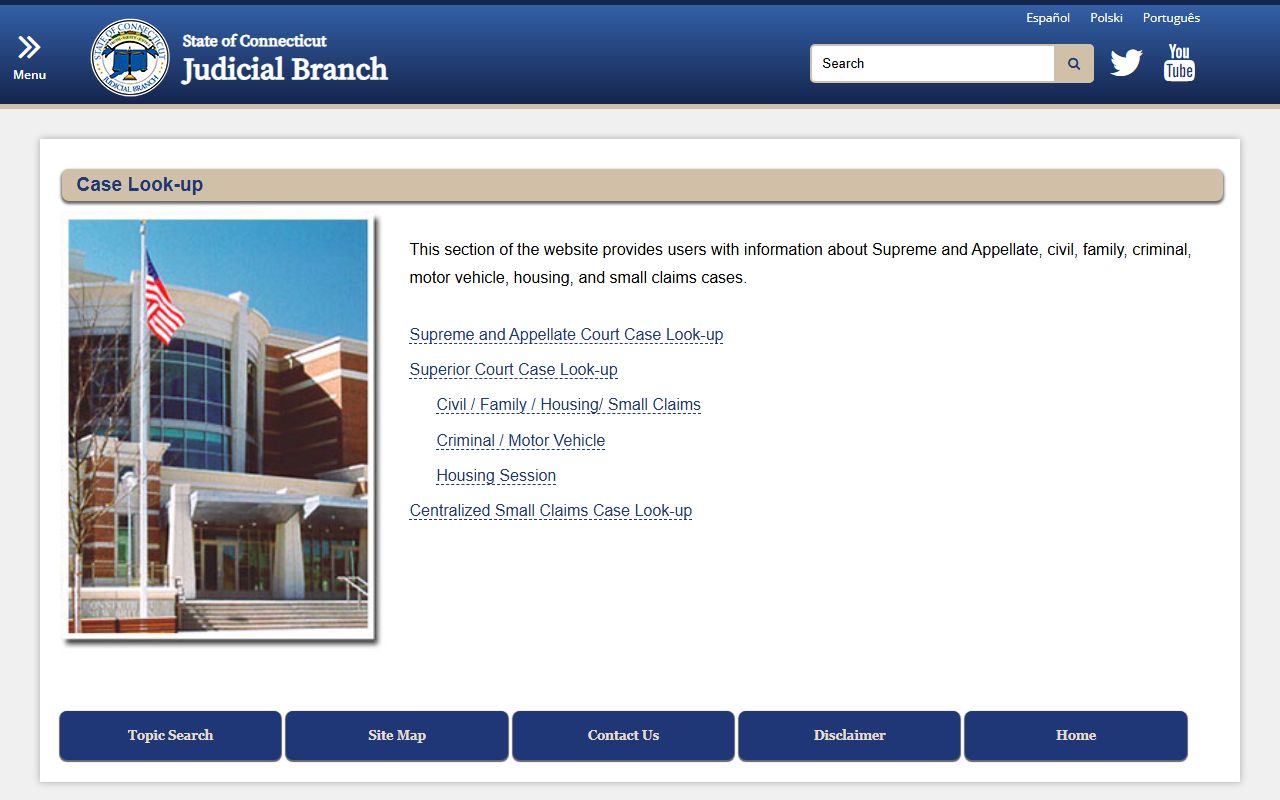
This screenshot gives context for where Connecticut jail mugshots and related arrest details are posted.
For Connecticut jail mugshots, this source page is useful: DOC Inmate Search.
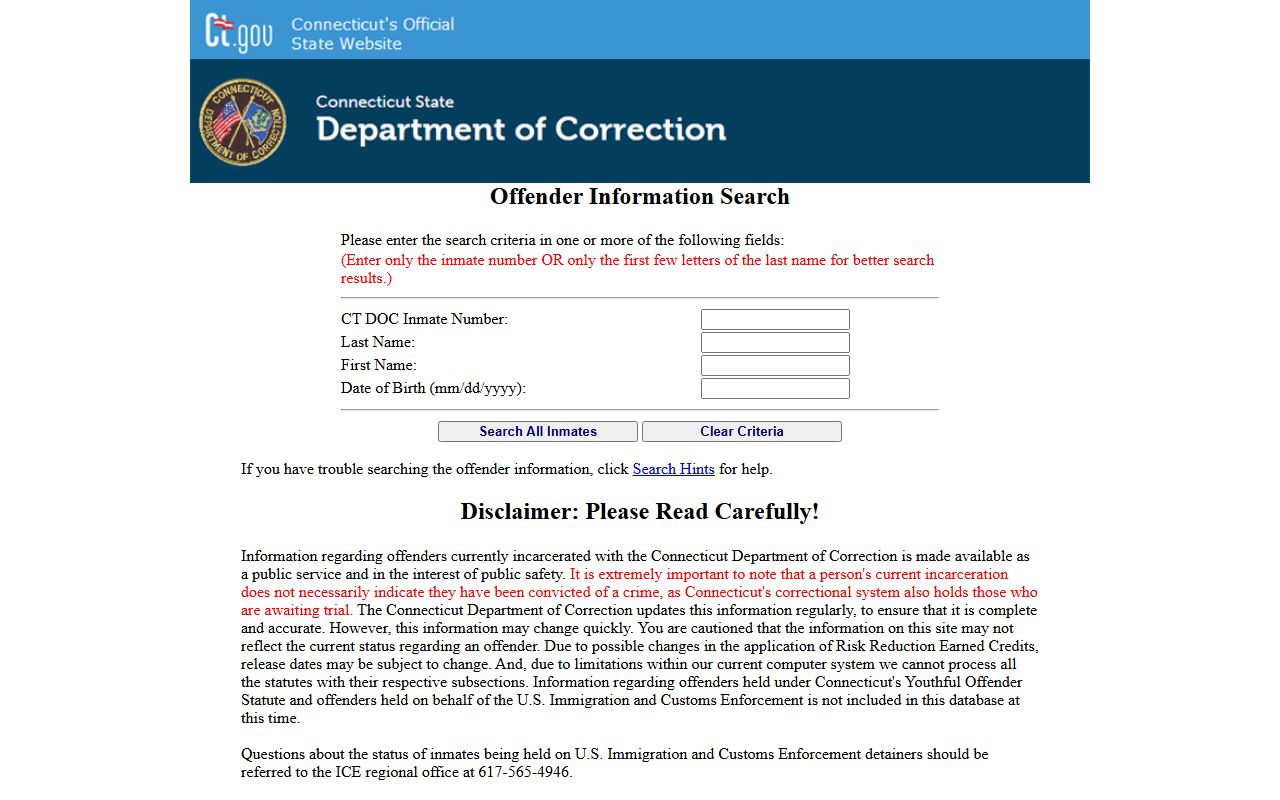
This screenshot gives context for where Connecticut jail mugshots and related arrest details are posted.
Connecticut Jail Mugshots by County
Each county page uses the same search method while adding local context, source links, and image references from the project manifest.
Connecticut Jail Mugshots in Major Cities
City pages cover all locations in scope and connect local arrest resources to county and state tools for consistent record lookup.
Requesting Connecticut Jail Mugshots Records
Use specific requests when seeking records tied to Connecticut jail mugshots. Include person name, arrest date range, agency when known, and case identifier when available. Narrow requests are easier to process and often return cleaner results.
Before requesting records, confirm these basics: correct spelling, consistent date range, matching case details across systems, and a clear delivery format request. Repeat checks are normal because data can change after court filings or agency updates.
Request checklist:
- Name and alternate spellings
- Arrest date or short date range
- Incident or booking number if available
- Court case number for verification
- Preferred response format and contact information
Note: Connecticut jail mugshots should be read with custody and court records for the most accurate timeline.
Practical Connecticut Guidance
Connecticut jail mugshots look simple at first, but the records path is usually layered. A booking event may be posted by one agency while court movement appears later in another system. That timing gap creates confusion when people try to rely on one page only. A better approach is to verify each result with two additional checks: a custody check and a court docket check. This keeps names, dates, and case context aligned.
In practice, start with the closest date range and the exact spelling that appears in the first source. If a middle initial or suffix is missing, run one follow-up variation and compare both outputs. Do not expand the search window too fast. Wide windows pull in too many unrelated entries and make false matches more likely. It is better to search in controlled steps, capture identifiers, and then broaden only when needed.
Another useful habit is record logging. Save the source URL, the day you checked it, and the key identifier you used. If the record changes later, you can see exactly what changed and when it changed. This matters for Connecticut jail mugshots because updates can happen after arraignment, after charge edits, or after later docket activity. A short log avoids repeated work and makes follow-up requests clearer.
When a result is unclear, avoid assumptions. Compare agency, date, and case fields again. If details still do not align, pause and rerun the search later instead of guessing. That slower method is usually the most accurate method for Connecticut jail mugshots, arrest entries, and linked case information. It also leads to cleaner request language when you contact a records office for copies or clarification.
Connecticut Records Notes
Connecticut jail mugshots results are more useful when they are read with case timing in mind. A booking entry can appear first, then a custody update can appear later, and a court event may post after both. That sequence is common. Because of that, a single screenshot or single listing should not be treated as the full record story. A stronger approach is to compare all related entries before final use.
Keep the review process steady. Confirm the name spelling, then confirm the date range, then confirm the case reference. If one field is missing, save what you found and check again later. For Connecticut jail mugshots, this method is practical, repeatable, and easier to defend when records change after updates.